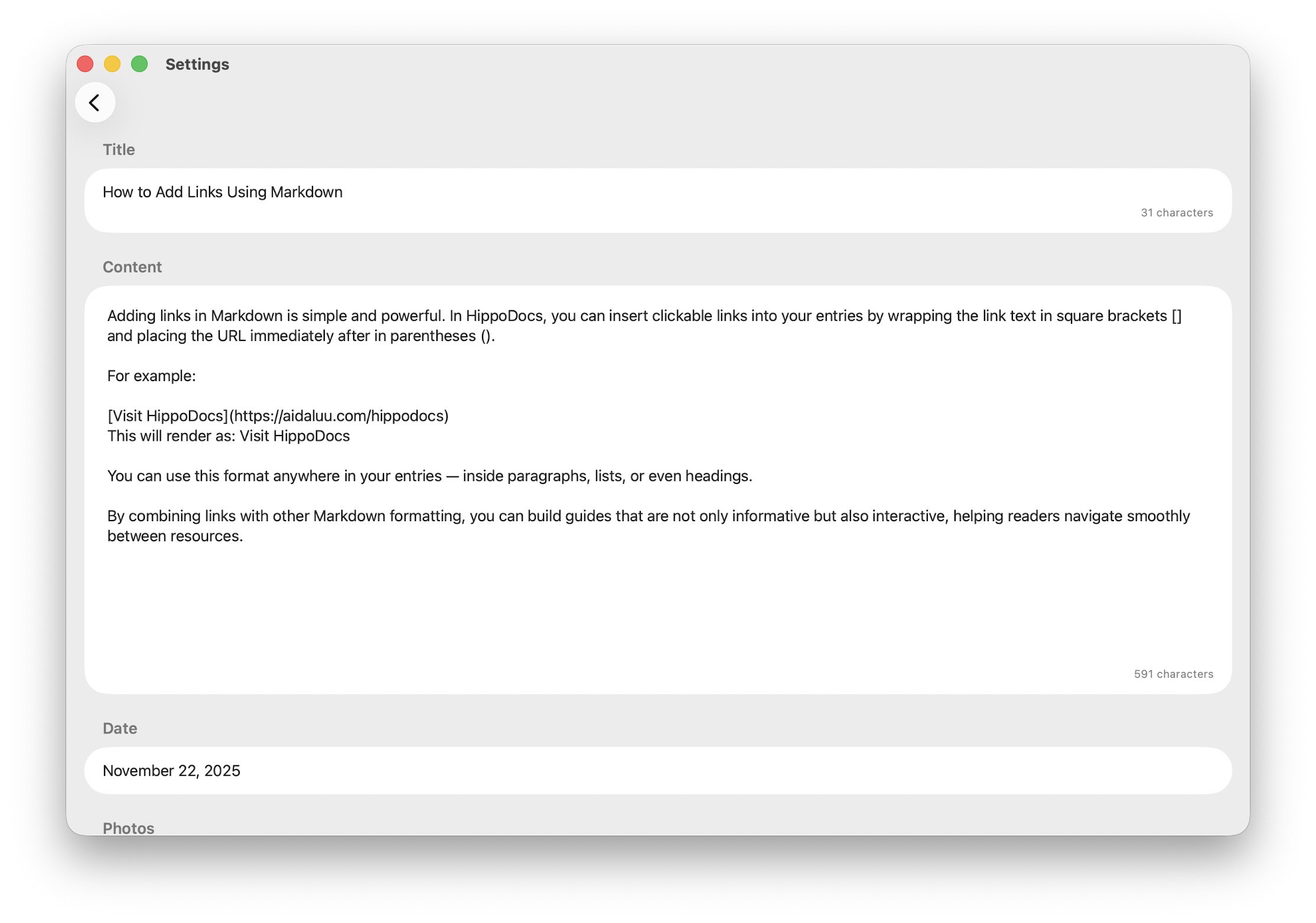
How to Add Links Using Markdown
Adding links in Markdown is simple and powerful. In HippoDocs, you can insert clickable links into your entries by wrapping the link text in square brackets [] and placing the URL immediately after in parentheses (). For example: Visit HippoDocs This will render as: Visit HippoDocs You can use this format anywhere in your entries — inside paragraphs, lists, or even headings. By combining links with other Markdown formatting, you can build guides that are not only informative but also interactive, helping readers navigate smoothly between resources.