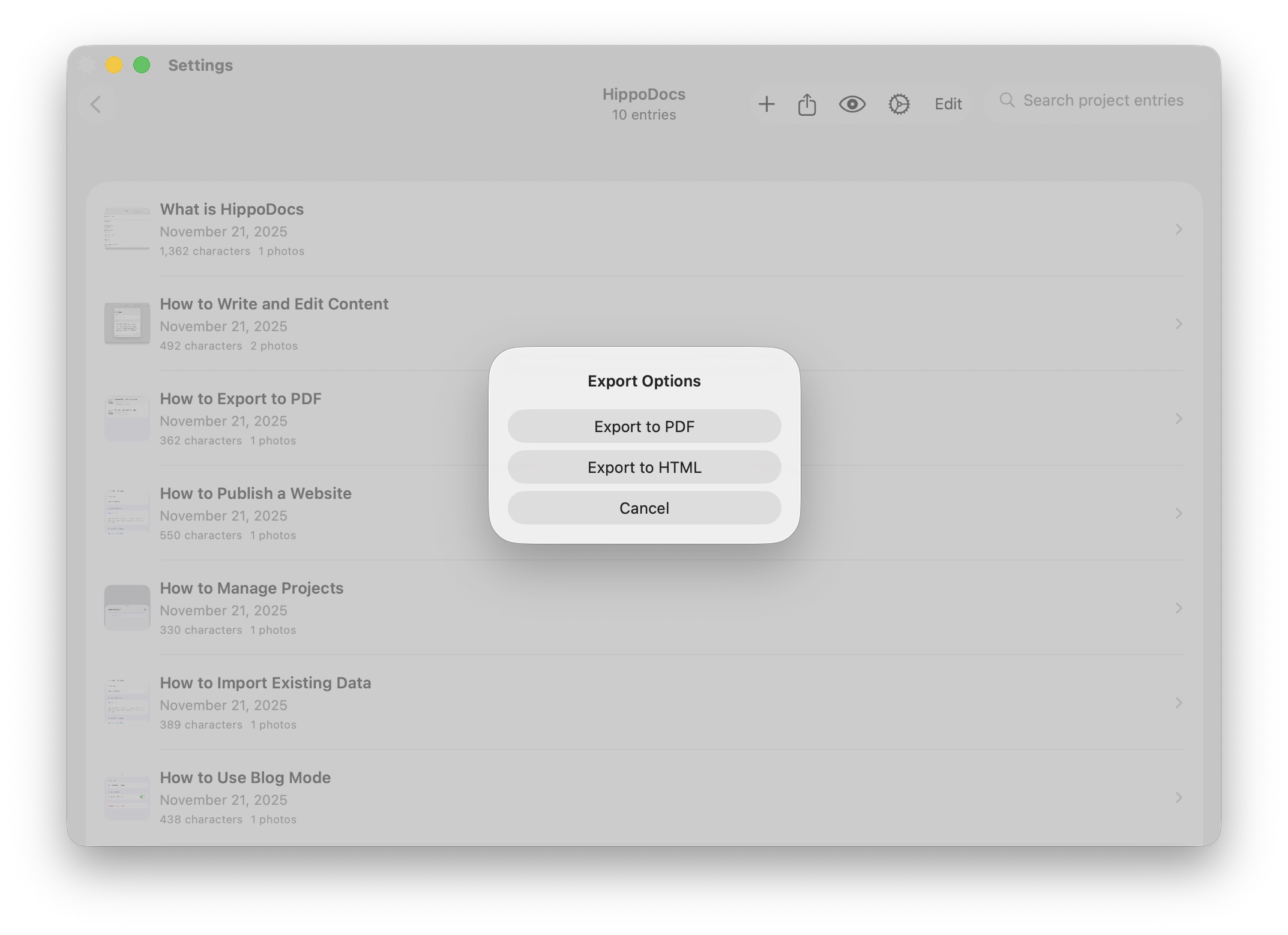
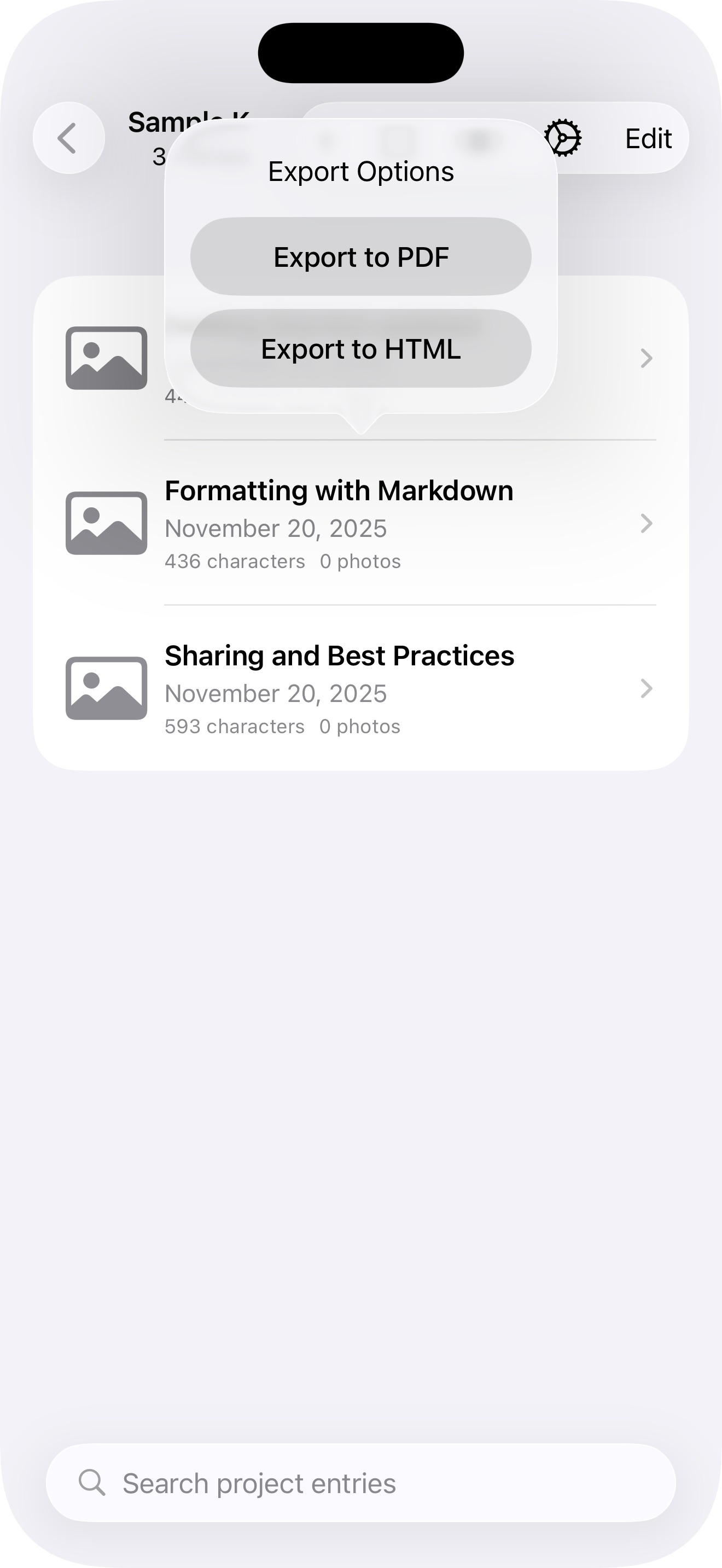
How to Export to PDF
When you’re ready to share your project offline, choose the PDF export option. HippoDocs automatically generates a multi‑page document that includes all your entries. A Table of Contents is created for you, so readers can easily navigate through the material. This makes your PDF look professional and ensures it’s ready for distribution, printing, or archiving.