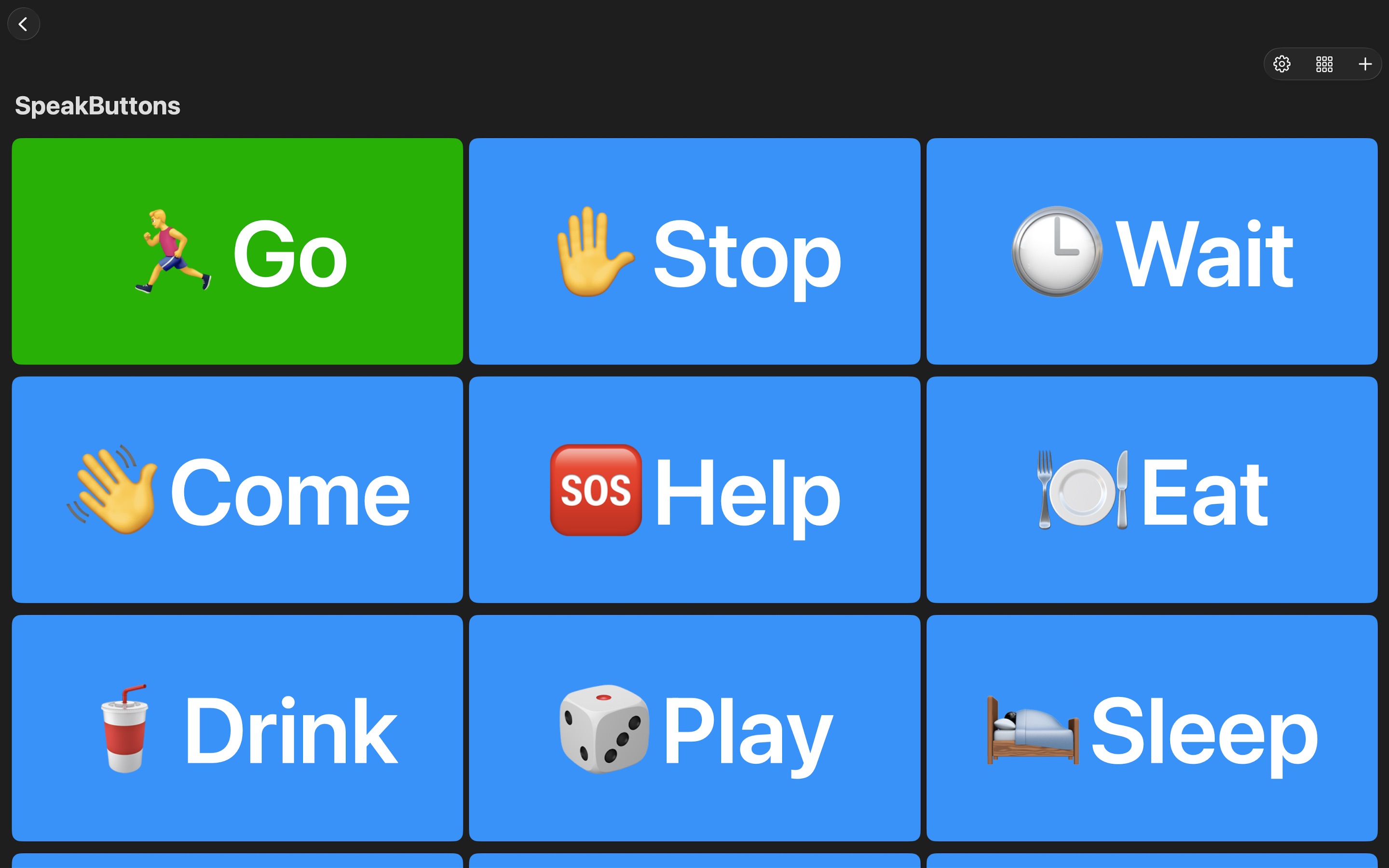
How to rearrange your buttons (iOS & macOS)
Long‑press the button you want to move until it “lifts” and you feel the haptic (or see it slightly separate). While still holding, drag the button over another button or to the place you want it in the grid. Release your finger to drop the button into its new position. Repeat to reorder more buttons. Tips: Quick taps still activate (speak) the button — use a longer press to start dragging. If you want to move a button to the very end or start, drag it over the last/first cell and release. Reordering is instant and saved automatically; you don’t need to press Save.